
Oracle AI Database 26ai was released the other day. I was able to download it immediately, so this time I tried installing it in a single instance configuration on a verification VM (Oracle Linux 8).
To conclude, “other than not being able to select a Non-CDB configuration, the procedure is almost the same as before.” If you have experience building 19c or 23ai, you should be able to build it without getting lost.
Below, I will leave a log of the environment settings and procedures during construction.

1. Verification Environment Specs
This time, verification was performed using a VM on VirtualBox.
- OS: Oracle Linux 8 (x86-64)
- Database: Oracle AI Database 26ai (Single Instance)
- Install Type: Software Only -> DBCA
2. Environment Variable Settings (.bash_profile)
I added the following settings to the oracle user’s .bash_profile. Since this is for verification, the path configuration follows existing conventions (or reusing old environments).
# .bash_profile

# User specific environment and startup programs
export ORACLE_SID=orcl
export ORACLE_BASE=/u01/app/oracle

# Note: The directory structure uses "23.0.0" notation due to the verification environment convenience,
# but the actual entity is 26ai.
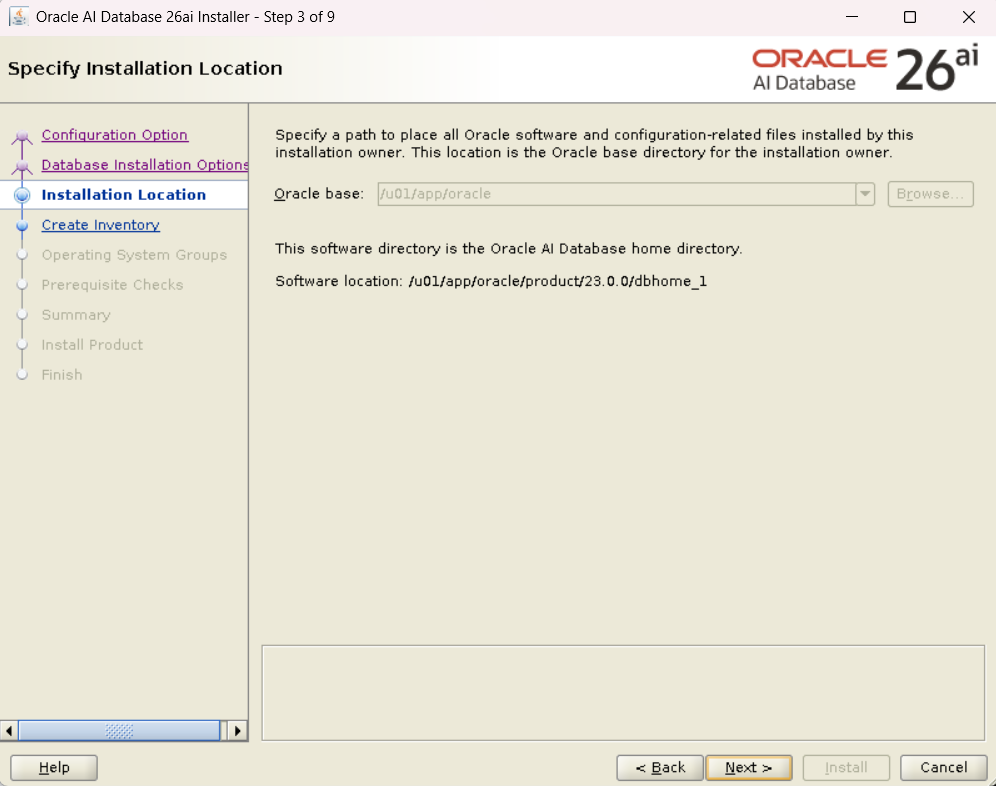
export ORACLE_HOME=/u01/app/oracle/product/23.0.0/dbhome_1

export PATH=$ORACLE_HOME/bin:$ORACLE_HOME/OPatch:$PATH

# For X11 Forwarding (Setting to forward the screen to the host OS)
export DISPLAY=192.168.56.1:0.0
Reflect the settings.
$ source ~/.bash_profile

3. Installation Steps
Step 1: Placing Binaries (Image-based Install)
Download the software from Oracle Software Delivery Cloud ( https://edelivery.oracle.com/ ). Transfer the downloaded ZIP file V1054592-01.zip to the server. Like recent versions, the method is to extract directly into the ORACLE_HOME directory (Image-based Installation).
$ cd $ORACLE_HOME
$ unzip /tmp/V1054592-01.zip
Step 2: runInstaller (Software Only)
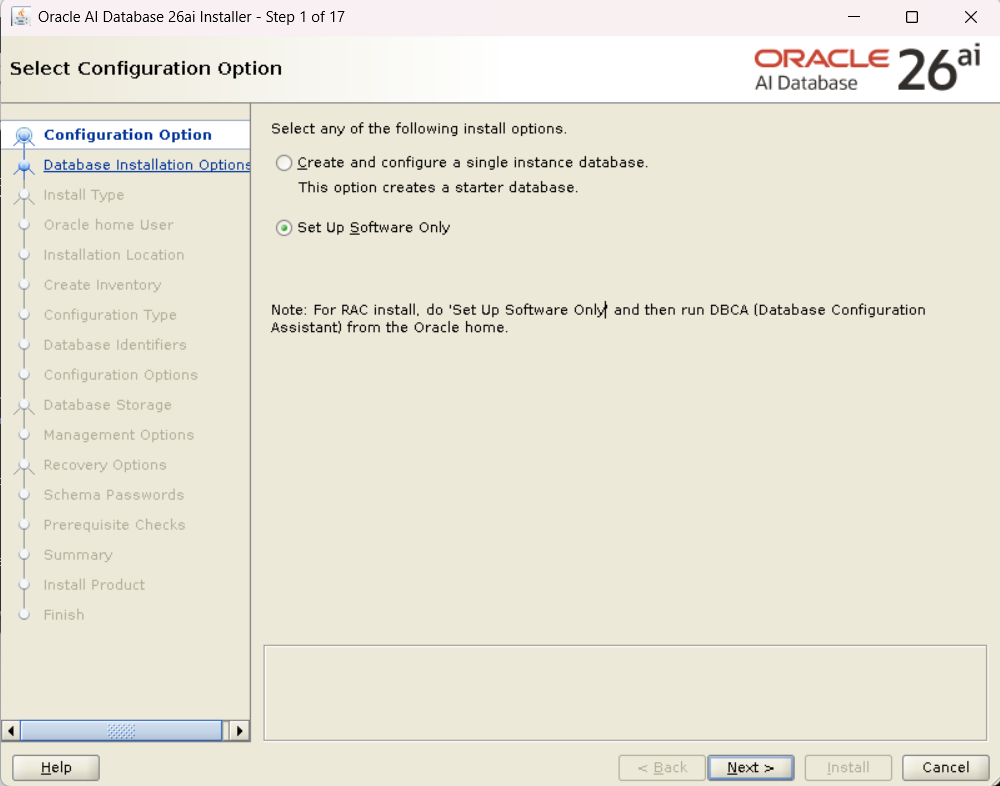
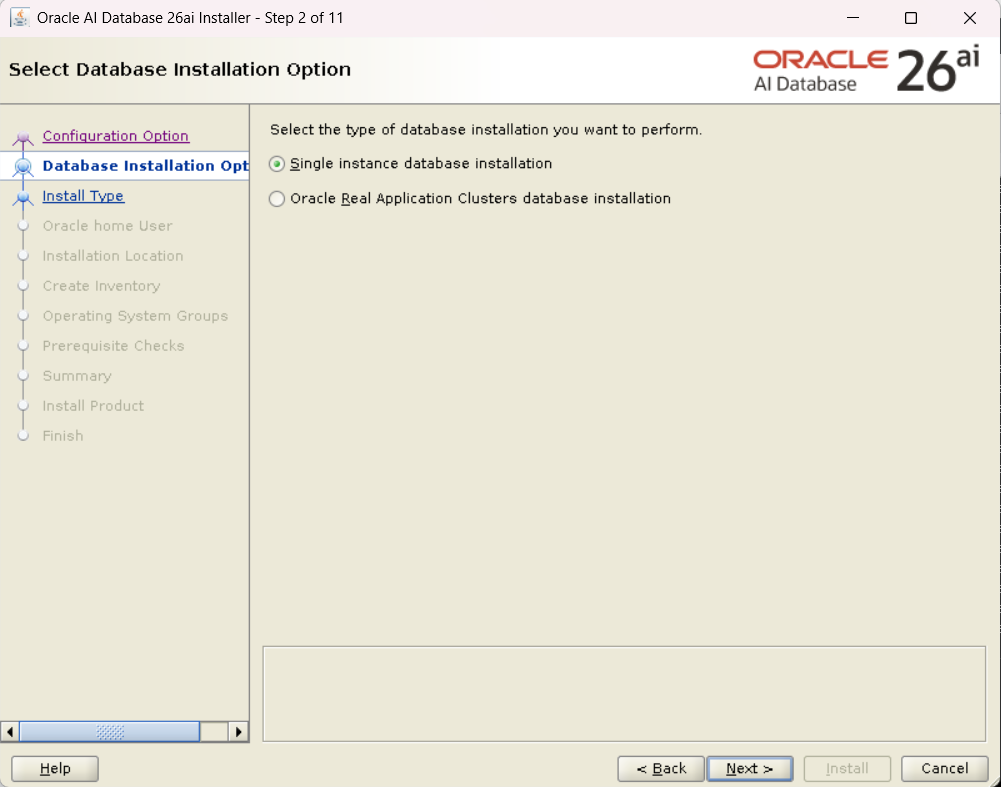
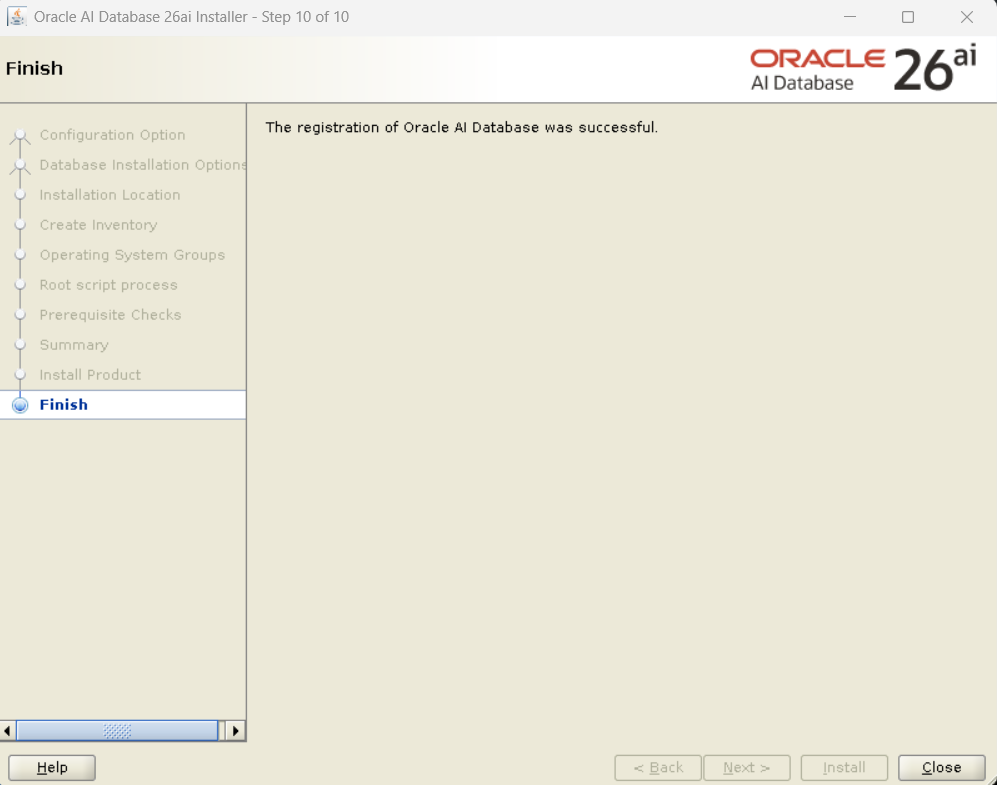
Launch the GUI installer. Since I will create the database separately this time, I selected “Set Up Software Only”.
$ ./runInstaller
Selection items in the installer:
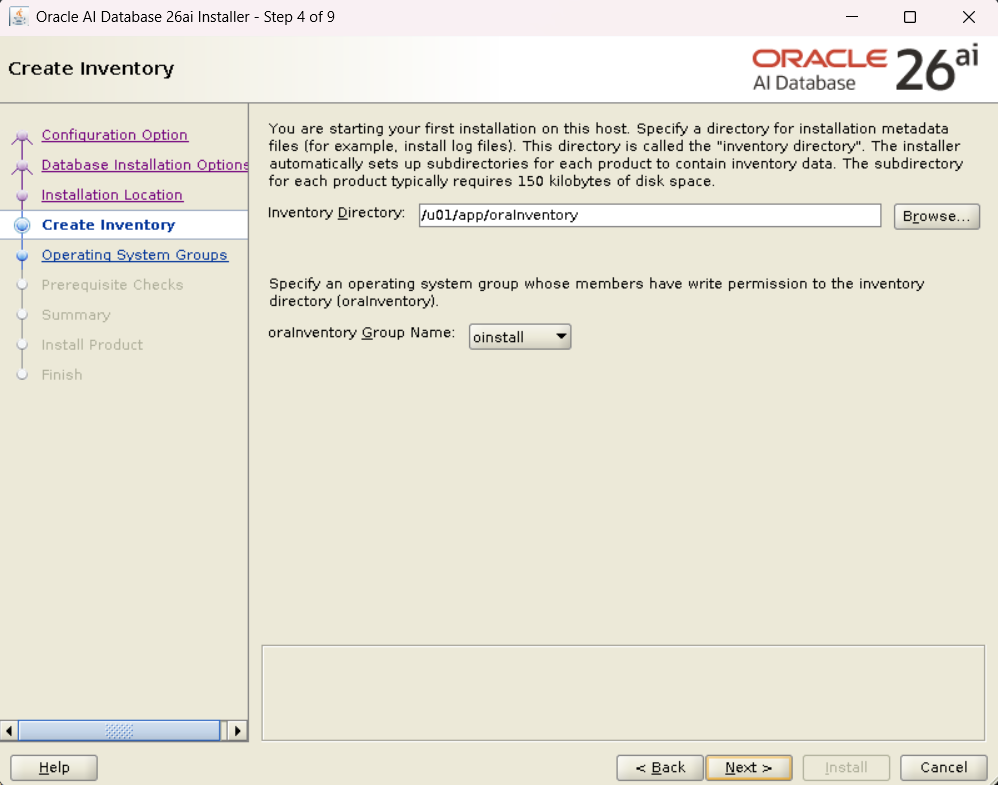
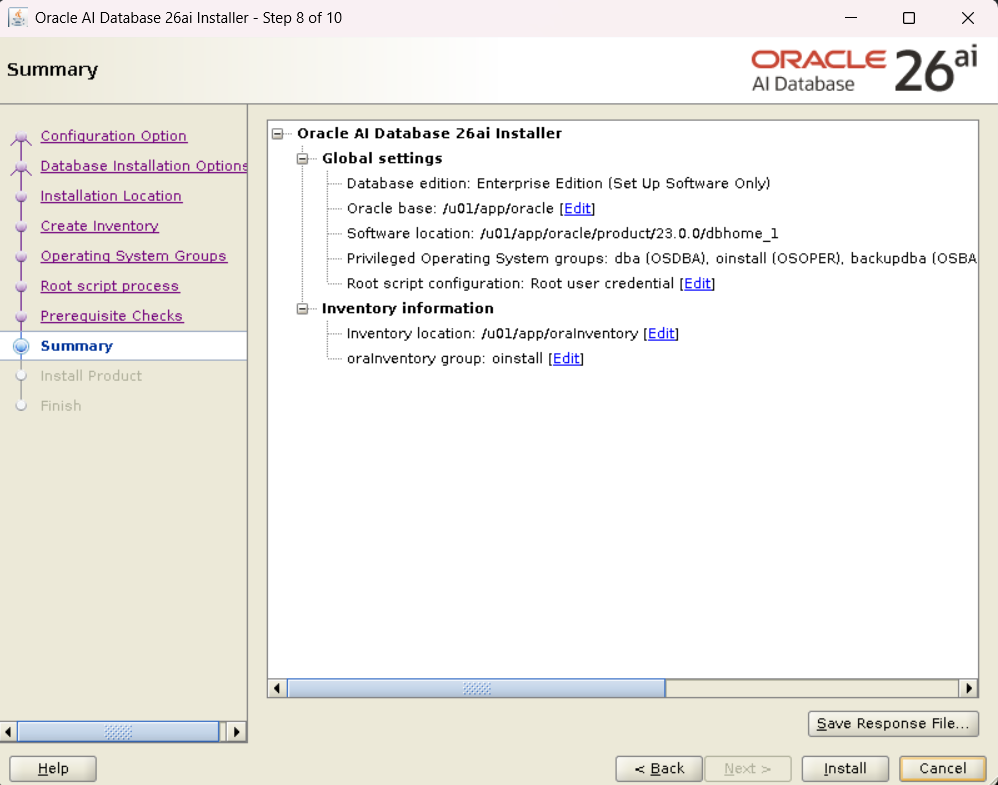
- Configuration Option: Set Up Software Only
- Database Edition: Enterprise Edition
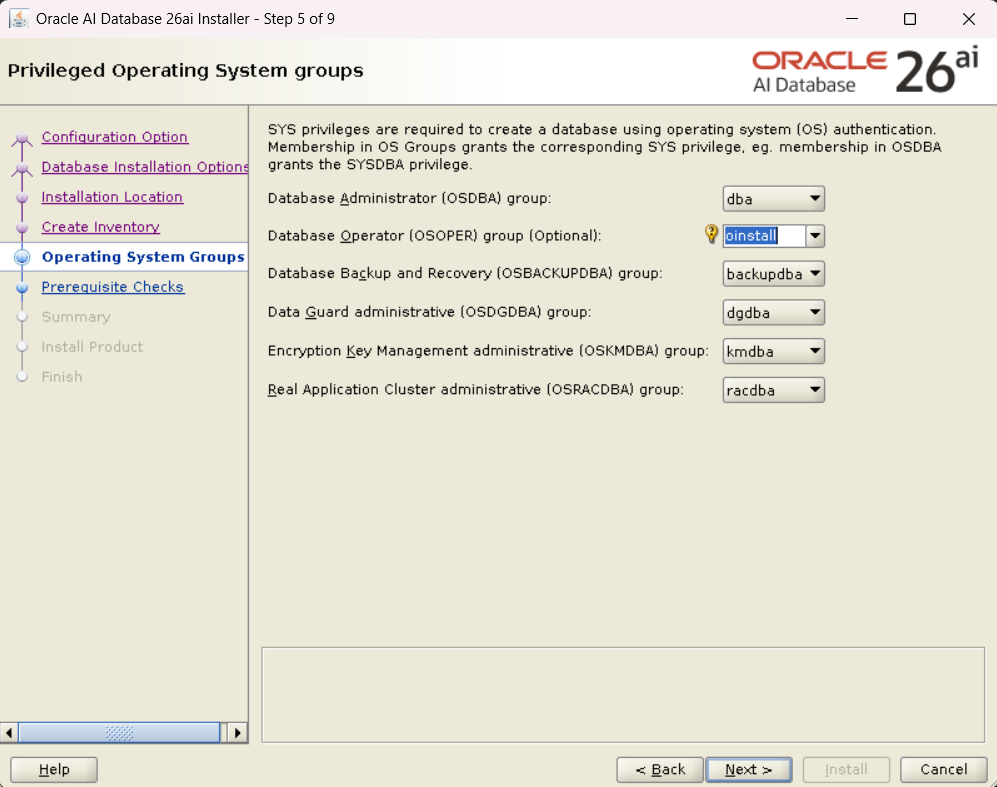
- OS Groups: (Specified
dba,oper, etc. as default) - Prerequisite Checks: (Confirmed passing the OUI checks)
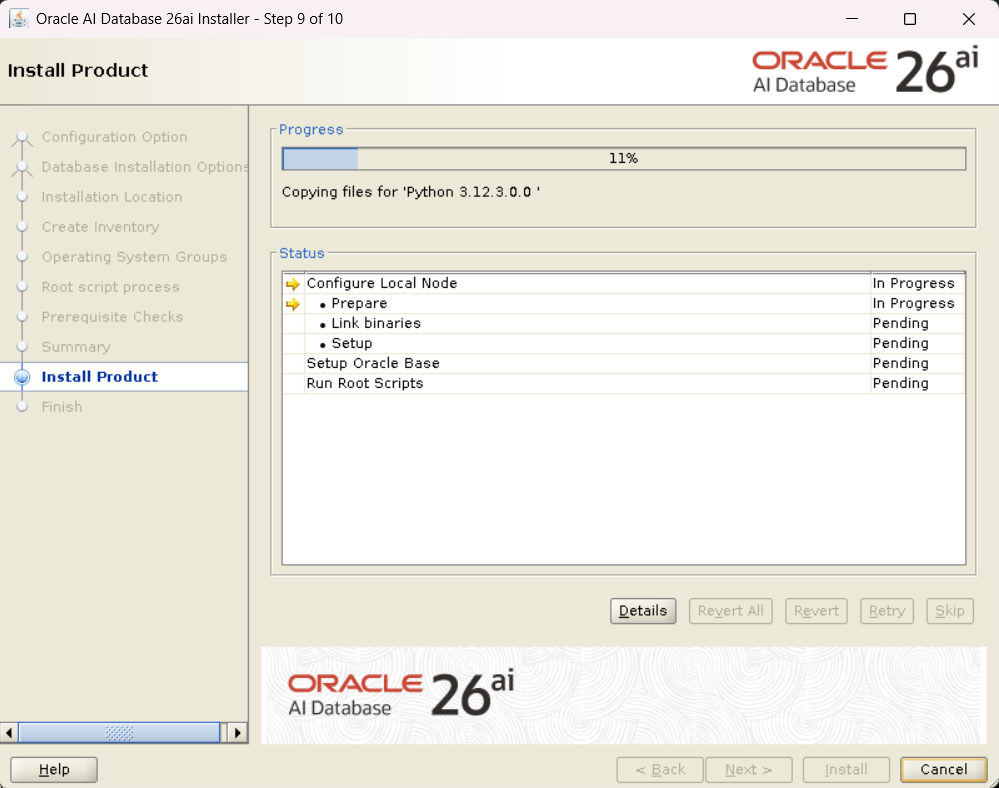
- Install: Execute
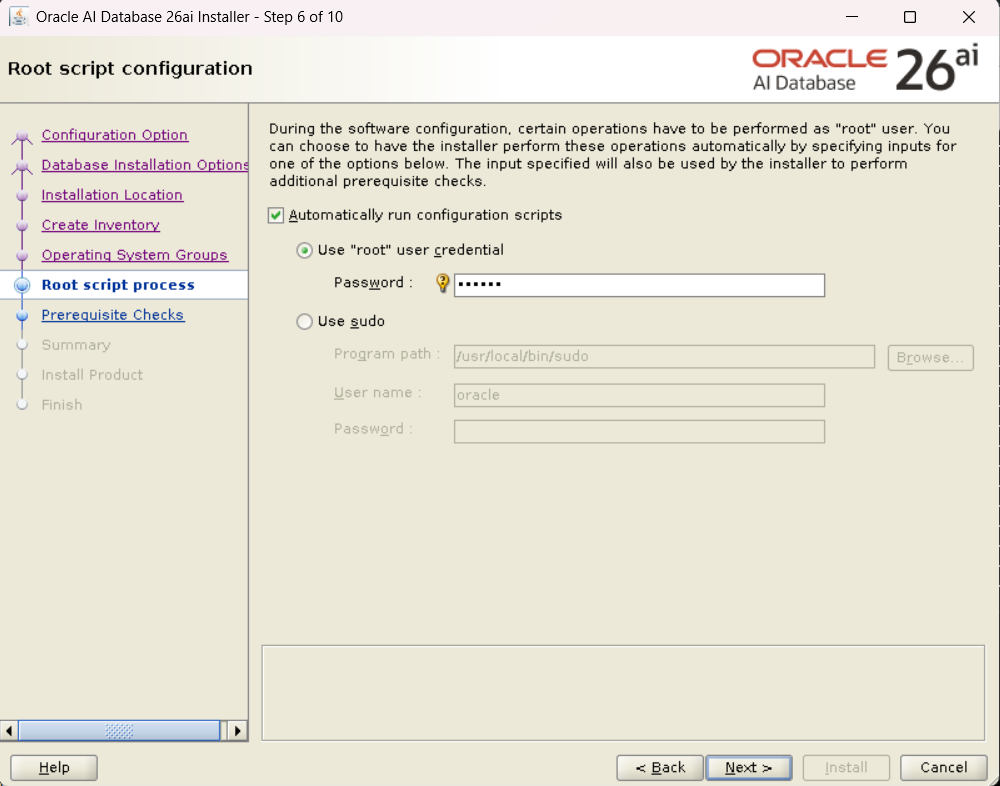
Finally, execute the script as the root user (root.sh, etc.), and the software installation is complete.
Step 3: Database Creation via DBCA
Next, launch dbca to create the database.
$ dbca
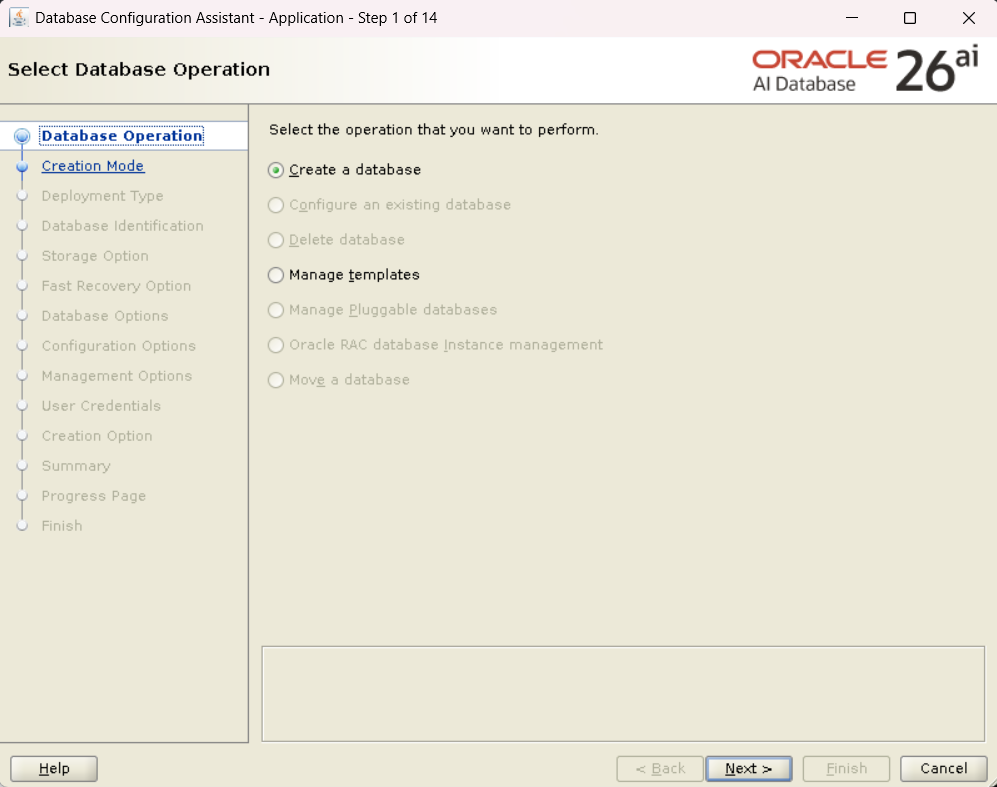
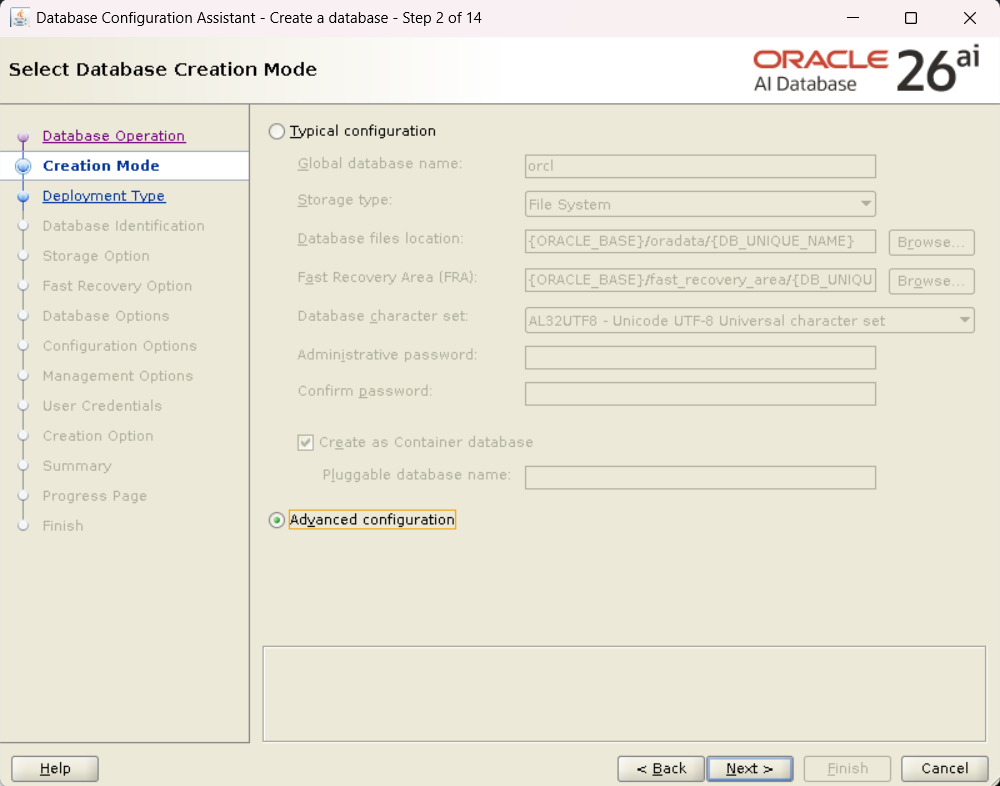
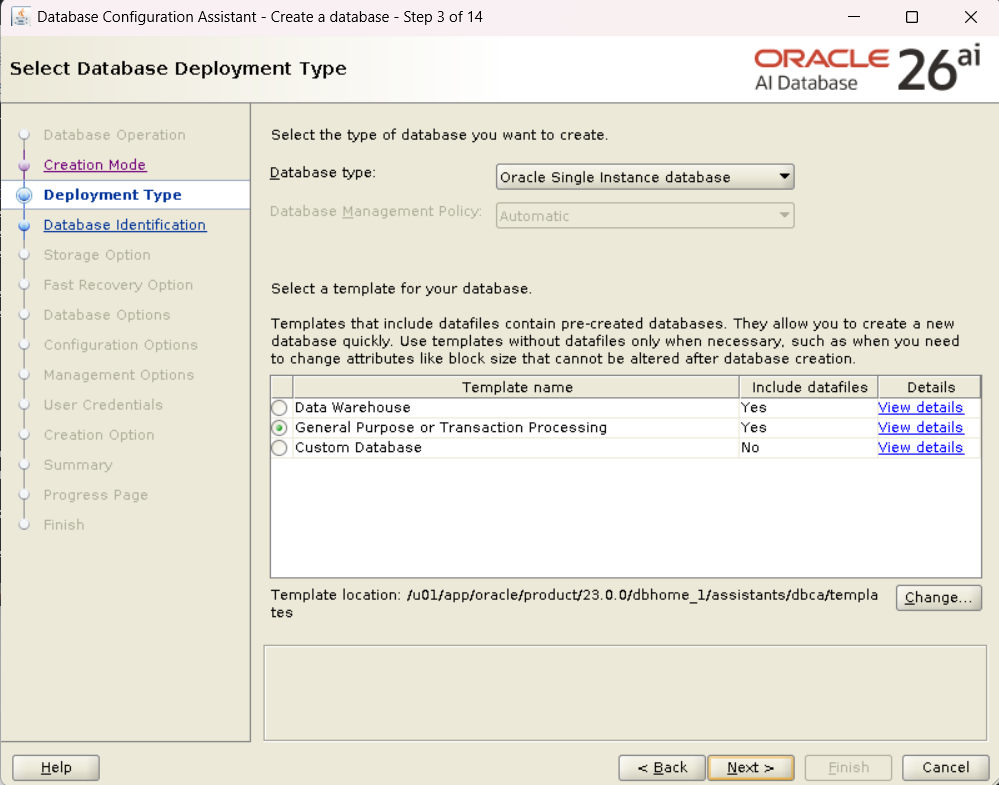
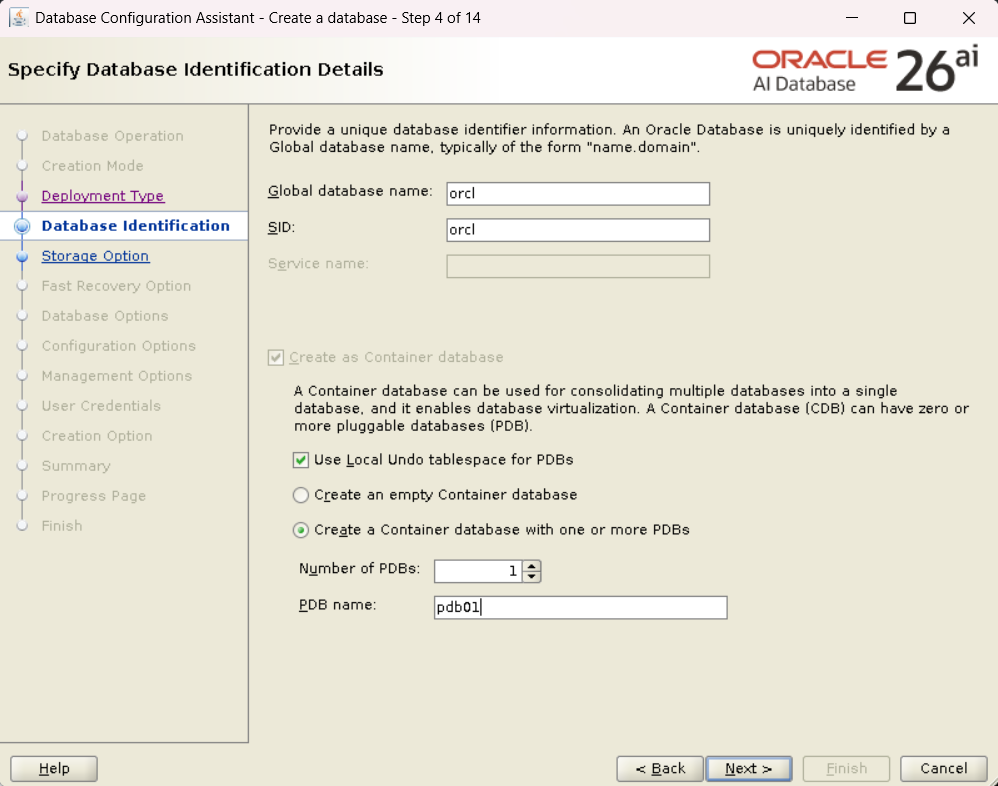
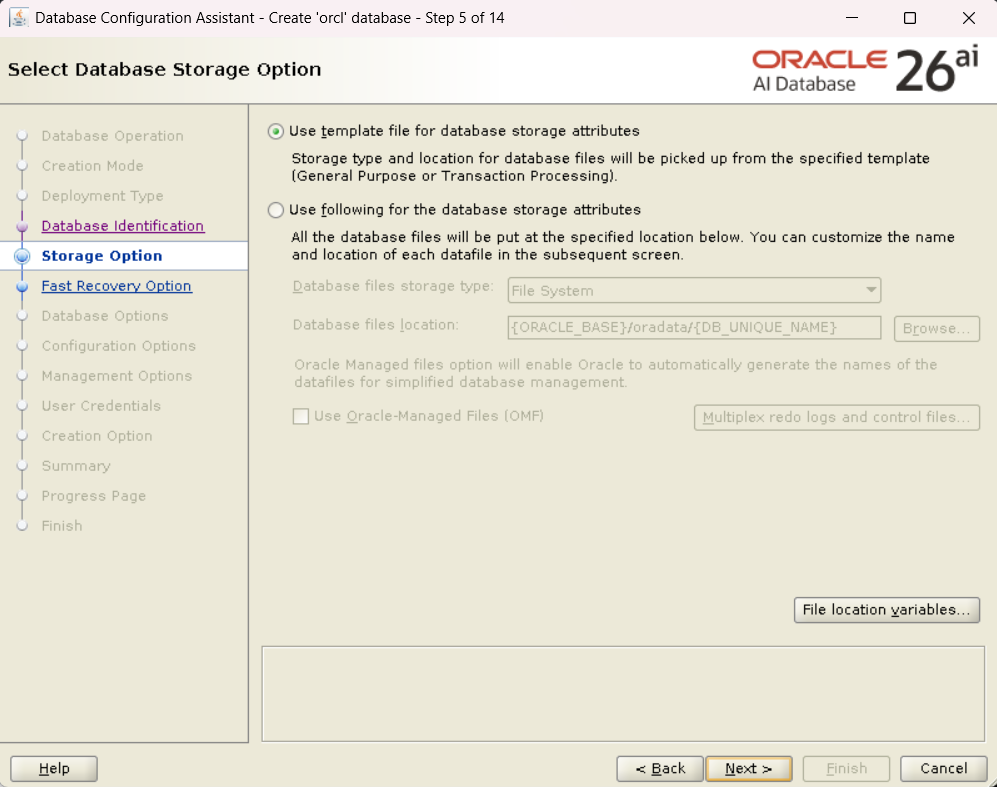
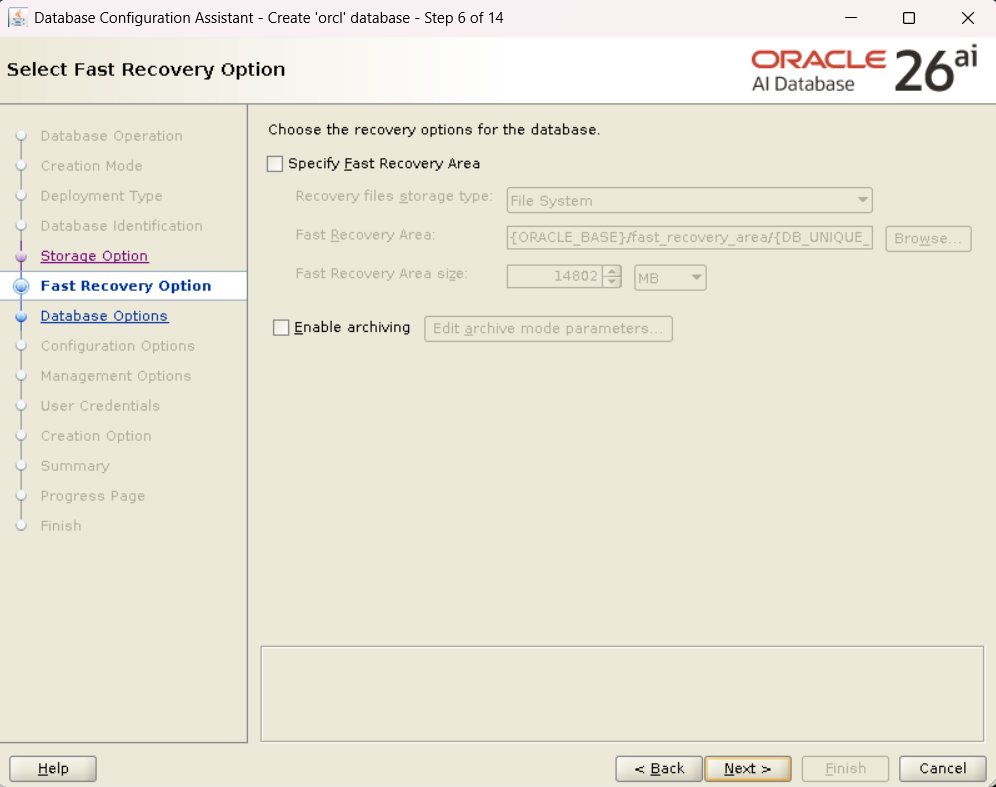
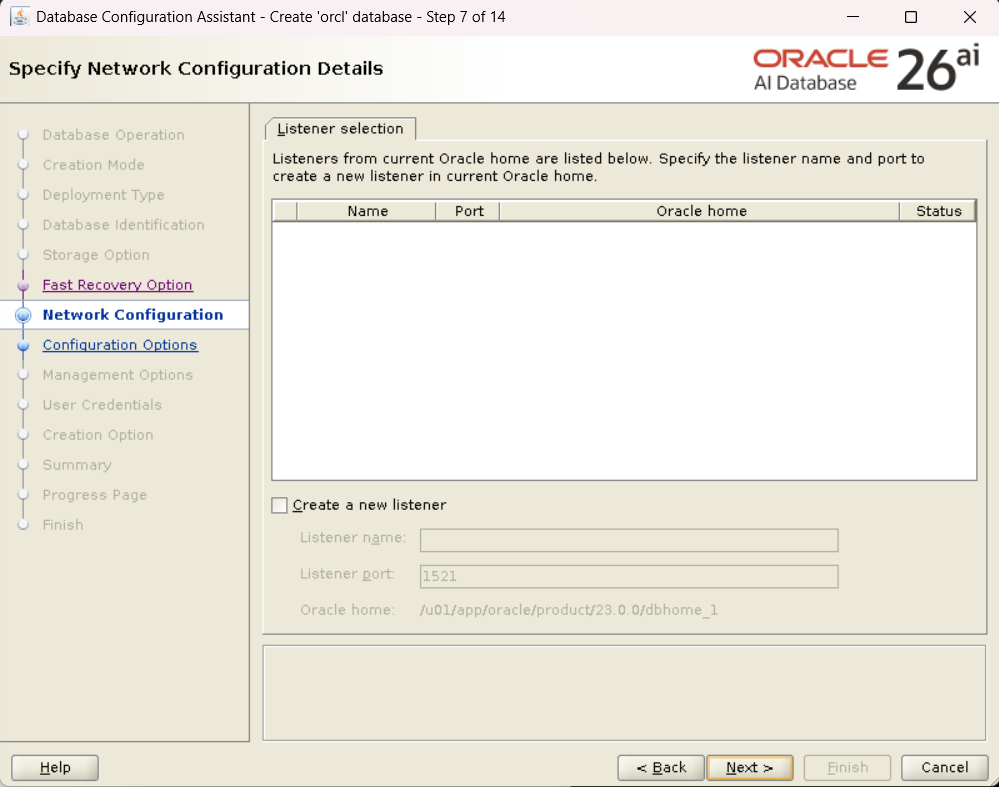
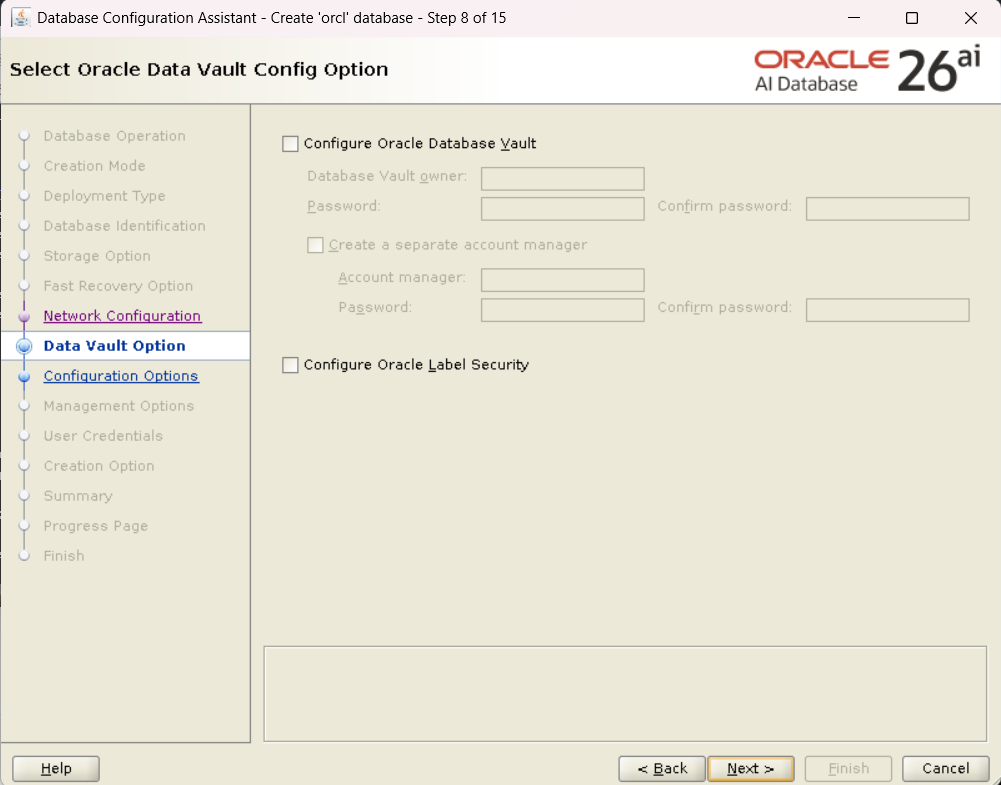
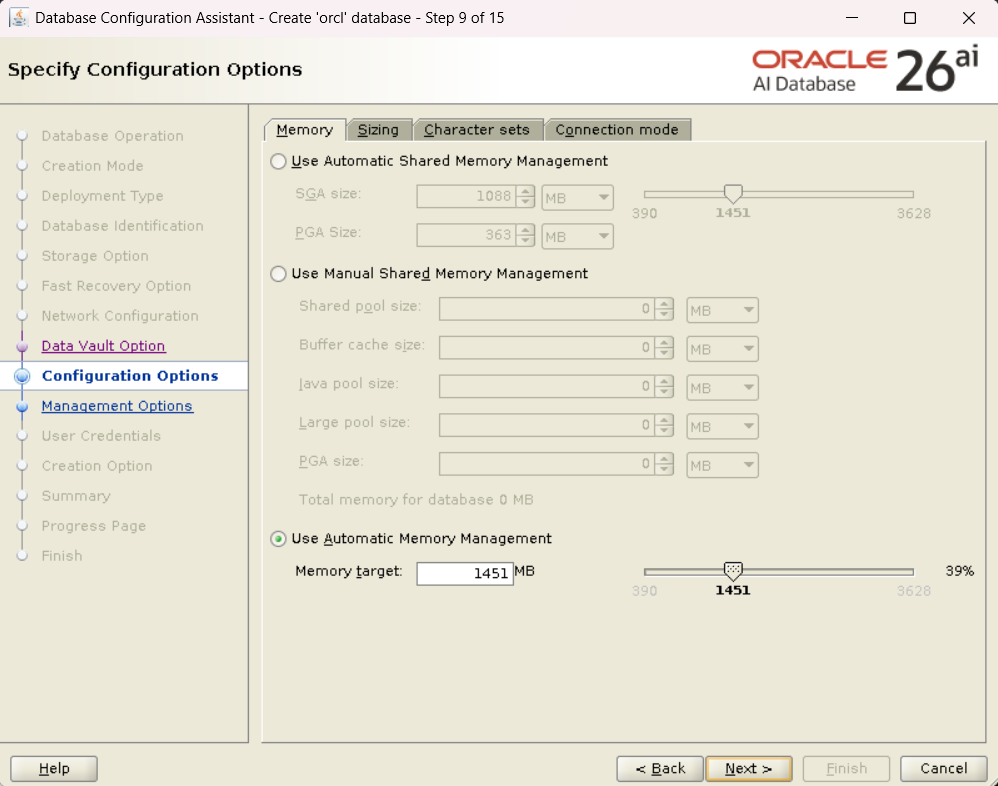
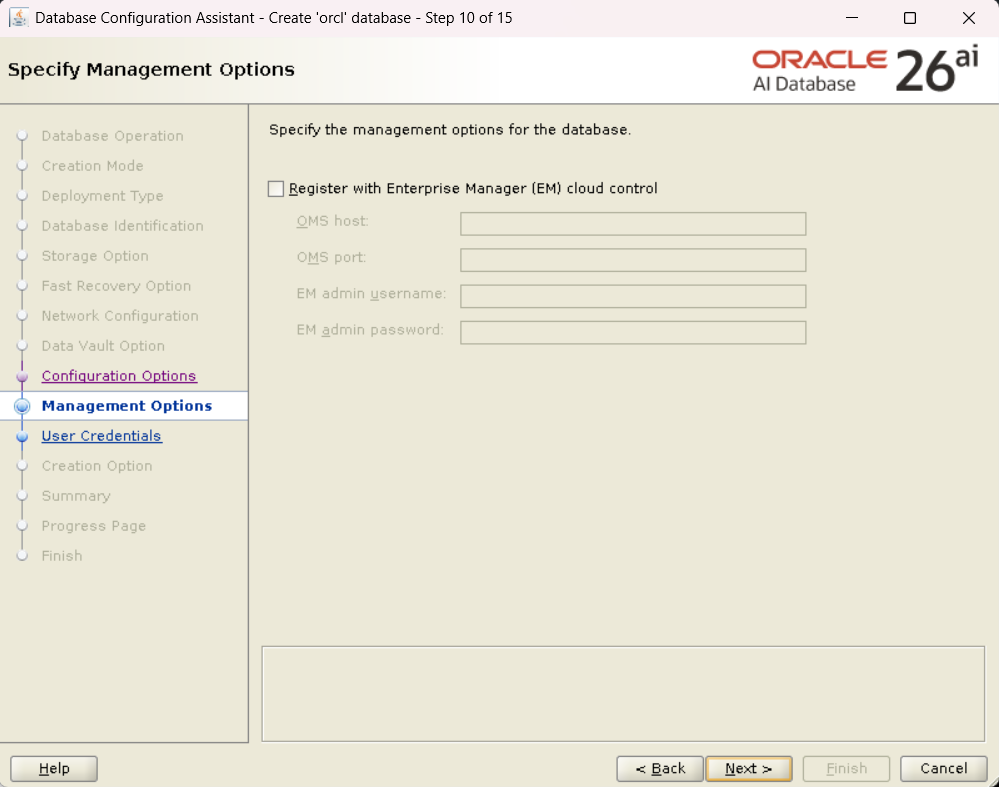
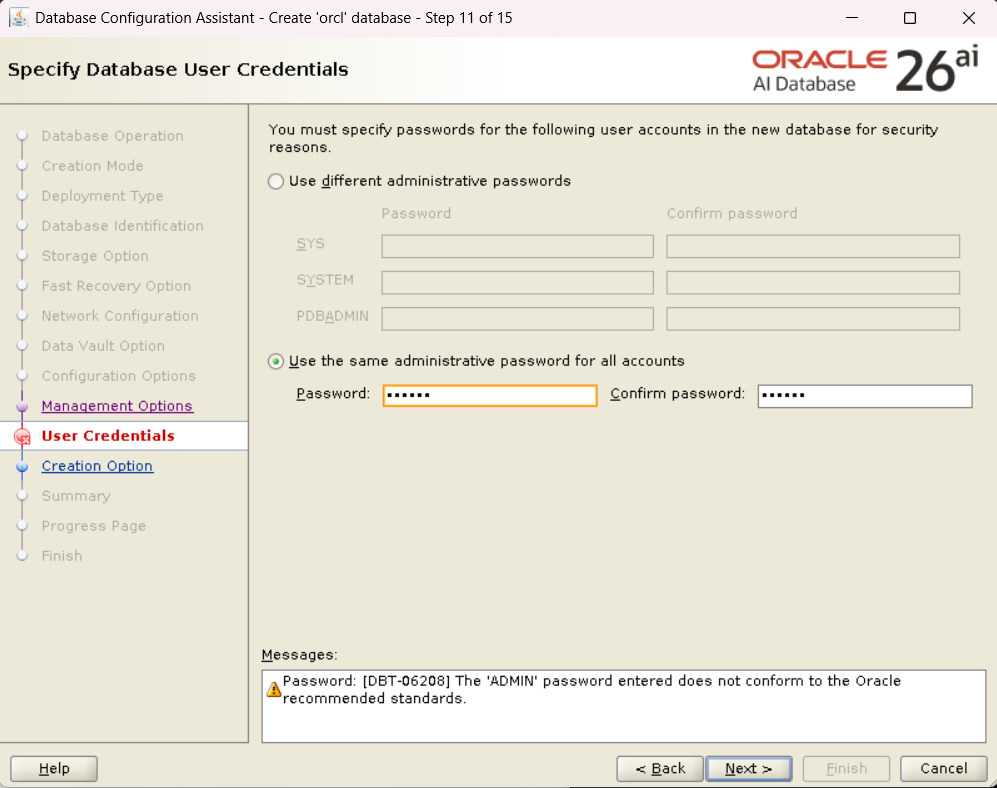
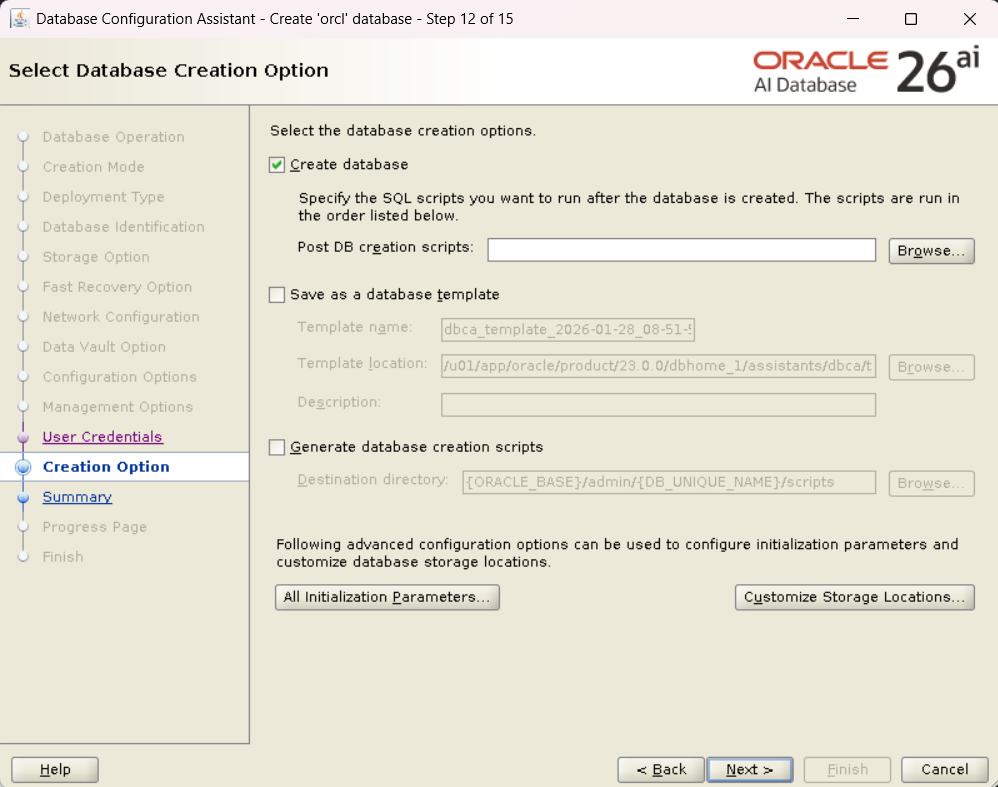
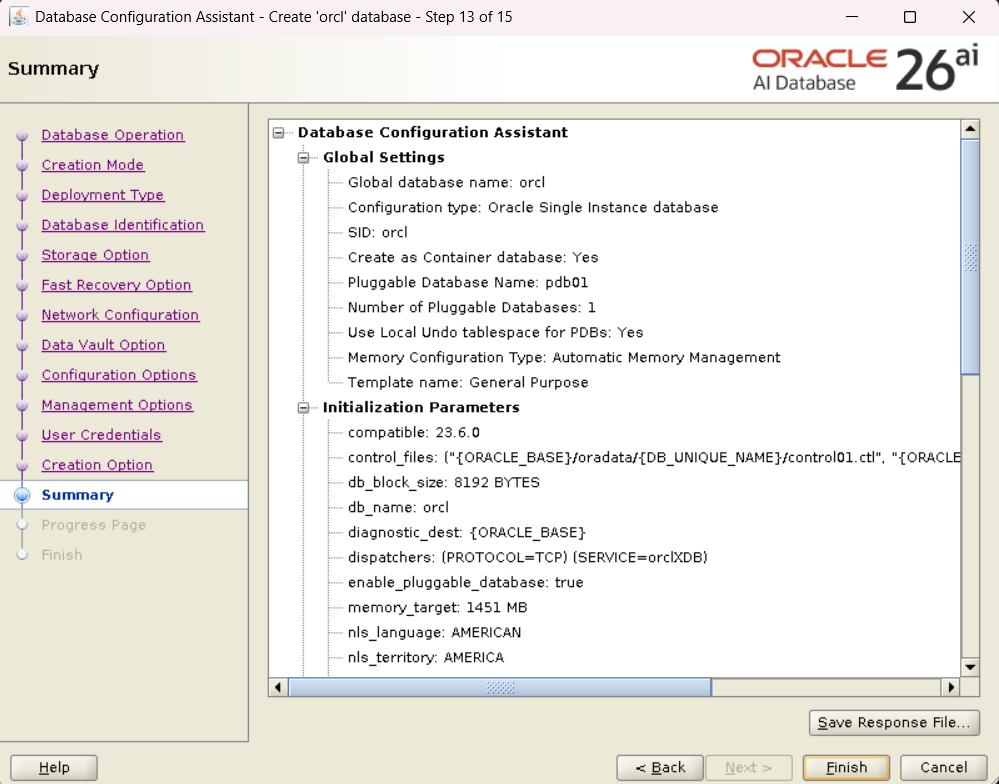
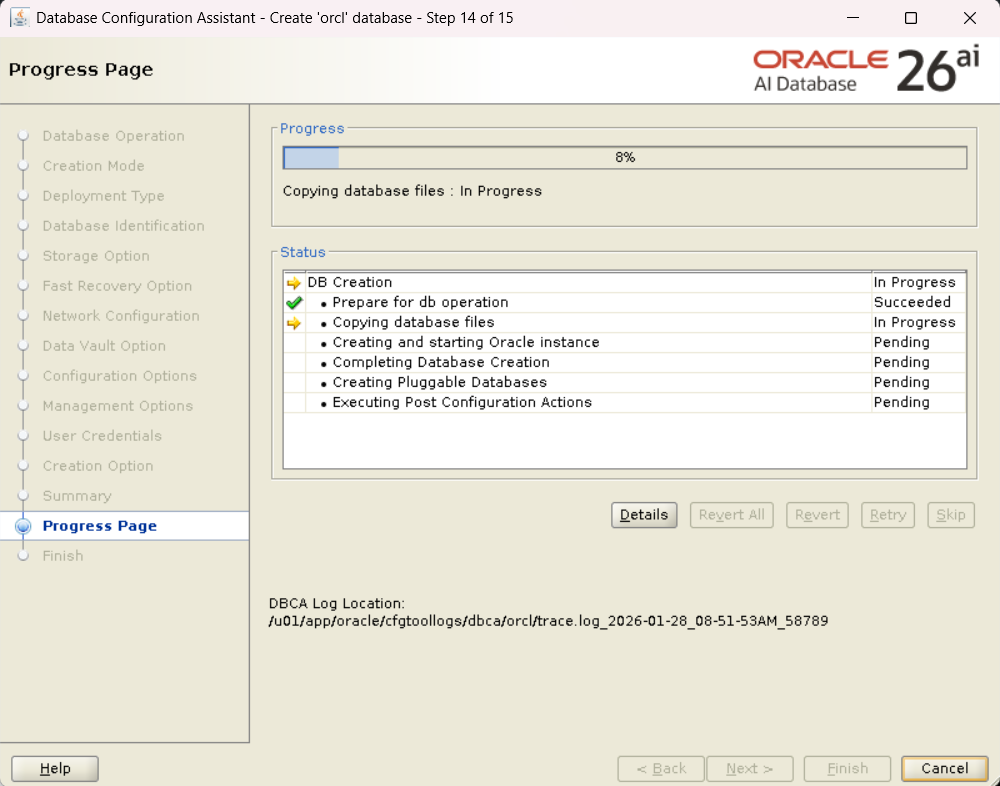
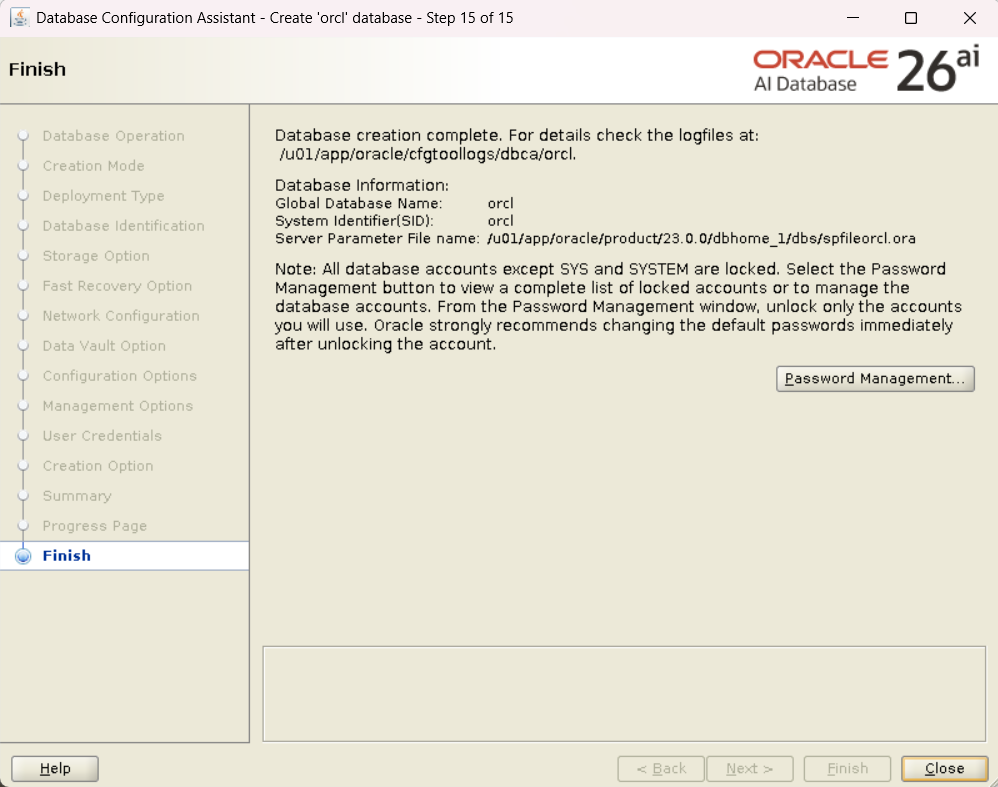
Proceed with the settings according to the wizard, but here I felt one clear difference (or rather, a complete transition) from conventional versions.
- Configuration Type: Container Database (CDB) configuration is mandatory.
Other procedures (memory settings, character set, file placement location, etc.) were unchanged from 19c and 23ai.
4. Operation Check
After DB creation is complete, connect with SQL*Plus and check the PDB status.
[oracle@26ai-single ~]$ sqlplus / as sysdba

SQL*Plus: Release 23.26.1.0.0 - Production on Wed Jan 28 09:16:31 2026
Version 23.26.1.0.0

Copyright (c) 1982, 2025, Oracle.  All rights reserved.


Connected to:
Oracle AI Database 26ai Enterprise Edition Release 23.26.1.0.0 - Production
Version 23.26.1.0.0

SQL> show pdbs

    CON_ID CON_NAME                       OPEN MODE  RESTRICTED
---------- ------------------------------ ---------- ----------
         2 PDB$SEED                       READ ONLY  NO
         3 PDB01                          READ WRITE NO
SQL> select banner from v$version;

BANNER
--------------------------------------------------------------------------------
Oracle AI Database 26ai Enterprise Edition Release 23.26.1.0.0 - Production
I successfully confirmed that the PDB is open in READ WRITE mode.
5. FAQ (Frequently Asked Questions and Troubleshooting)
I have summarized the questions that are likely to arise in this installation verification.
Q1: Why is “23.0.0” included in the ORACLE_HOME path? A1: This is because the installation manual for Oracle AI Database 26ai also states to use 23.0.0 as the directory structure. It is thought that this is because 26ai is provided as a version that applies a Release Update (RU) based on 23ai architecturally, so internal version management and directory structure inherit from 23ai (23.0.0).
Q2: Is it really impossible to select Non-CDB configuration? A2: Yes, it cannot be selected. Since Oracle Database 21c, the Non-CDB configuration has been out of support scope, and the architecture has completely become only a multitenant configuration (CDB/PDB). The option itself has been removed from the DBCA screen.
Q3: The installer (runInstaller) screen does not appear. A3: Please check the X11 Forwarding settings.
- Is the X Server (VcXsrv, Xming, MobaXterm, etc.) running on the client side (Windows, etc.)?
- Is X11 forwarding enabled during SSH connection?
- Is the IP address of
export DISPLAYcorrect? (It may change in VPN environments, etc.)
Also, access control permission using commands like xhost + may be required.
Q4: Is installation possible on Oracle Linux 9? A4: Although I verified on Oracle Linux 8 this time, Oracle AI Database 26ai supports relatively new kernels and OS versions, so it meets the operating requirements on Oracle Linux 9 (or Red Hat Enterprise Linux 9). Please check the official Certification Matrix (MOS) for details.
6. Summary
I verified the single configuration installation procedure for Oracle AI Database 26ai.
- Changes in procedure: Almost none. The series of flows—environment variable settings, Unzip, runInstaller, DBCA—has been completely established since 19c, and there were no points to get lost.
- Complete abolition of Non-CDB: There is no room to select Non-CDB on the DBCA screen. For those learning Oracle from now on, “Database = CDB/PDB” will be the standard.
- Installation time: Subjectively, the Software Only installation was very fast.
Since the hurdle for environment construction is low, it seems good to first launch a verification environment and try out new features such as “AI Vector Search,” which is the biggest highlight of this version. Next time, I would like to verify the operation of SQL actually using vector search.
Note: This article is a work log in a verification environment. Be sure to refer to the official manual when building a production environment.
コメント