
In this article, we will explain how to create and make use of a DBLINK (Database Link) in Oracle Database.
We assume both the source and target are single-instance environments.
This article includes simple text diagrams to help you understand how the databases are linked together.
🧠 What is a DBLINK?
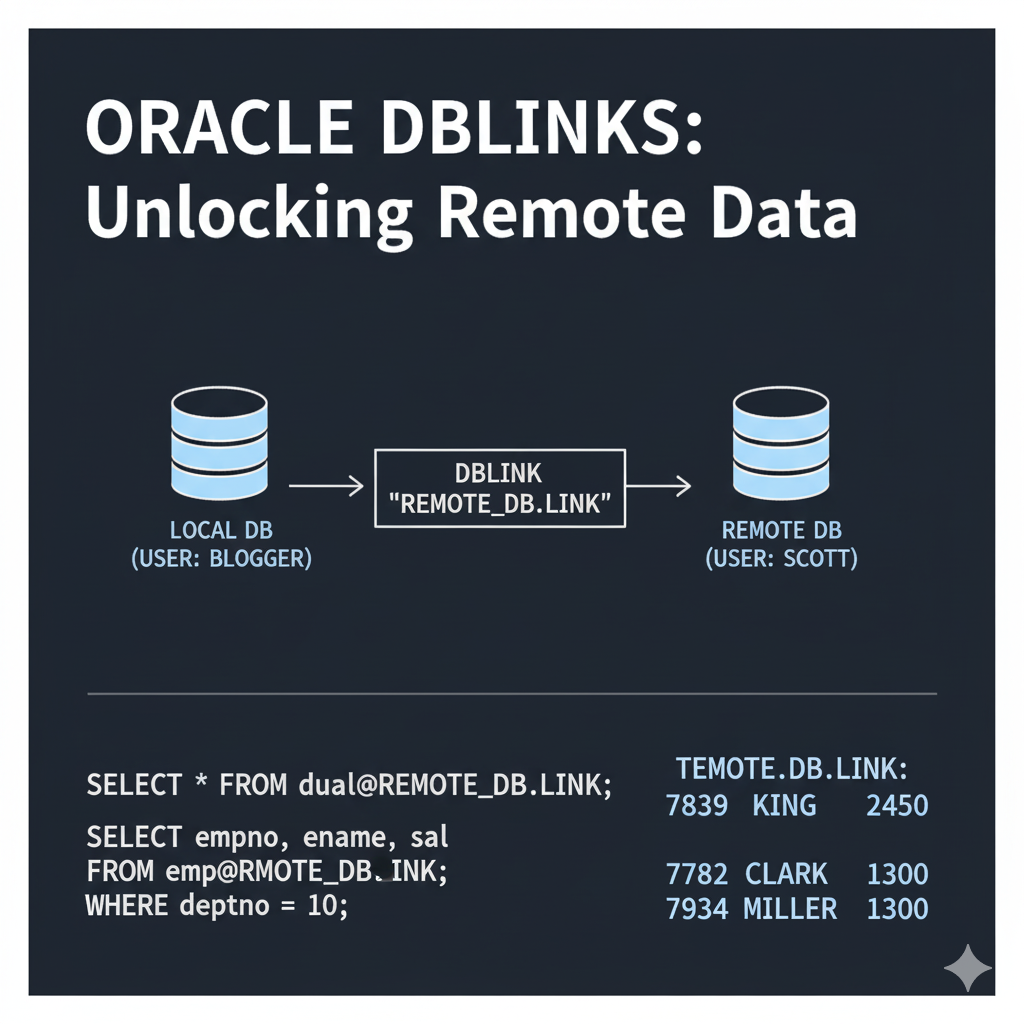
A DBLINK (Database Link) allows you to access data in another Oracle database from your current one, as if the data existed locally.
+--------------------+        DBLINK        +--------------------+
|    Database A      |  ----------------->  |    Database B      |
| (Local Database)   |                     | (Remote Database)  |
+--------------------+                     +--------------------+
By using a DBLINK, a user connected to Database A can query data in Database B directly.
🔧 Preparation Steps
We will work with two Oracle databases:
db01: Local database (where you are connected)db02: Remote database (to be accessed)
We will create a DBLINK from db01 to db02.
👤 Create the HR User on Both Databases
On db02 (remote side):
CREATE USER hr IDENTIFIED BY hr;
GRANT CONNECT, RESOURCE TO hr;
On db01 (local side):
CREATE USER hr IDENTIFIED BY hr;
GRANT CONNECT, RESOURCE TO hr;
🗃 Create a Sample Table on db02
CREATE TABLE hr.emp (
  emp_id   NUMBER PRIMARY KEY,
  emp_name VARCHAR2(100)
);

INSERT INTO hr.emp VALUES (1, 'Alice');
INSERT INTO hr.emp VALUES (2, 'Bob');
COMMIT;
📄 Edit tnsnames.ora
On the server where db01 is running, add the following entry in tnsnames.ora:
DB02 =
  (DESCRIPTION =
    (ADDRESS_LIST =
      (ADDRESS = (PROTOCOL = TCP)(HOST = db02-hostname)(PORT = 1521))
    )
    (CONNECT_DATA =
      (SERVICE_NAME = db02-service)
    )
  )
⚠️ Replace
db02-hostname,1521, anddb02-servicewith values from your actual environment.

🔗 Create the DBLINK
Connect to db01 as the hr user and run:
CREATE DATABASE LINK dblink_to_db02
  CONNECT TO hr IDENTIFIED BY hr
  USING 'DB02';
This will create a private DBLINK named dblink_to_db02.
✅ Test the DBLINK
Now you can access the table in db02 from db01 like this:
SELECT * FROM emp@dblink_to_db02;
Expected output:
EMP_ID | EMP_NAME
-------+----------
   1   | Alice
   2   | Bob
📝 Summary Table
| Step | Description |
|---|---|
| Create users | Create hr user on both db01 and db02 |
| Create sample table | Add table and data to db02 |
| Configure tnsnames.ora | Add DB02 entry on db01 |
| Create the DBLINK | Link from db01 to db02 |
| Test the DBLINK | Use SELECT with @dblink |
🔒 Important Notes
- The DBLINK created is private. Only the
hruser can use it. - Use
CREATE PUBLIC DATABASE LINKif you want to allow other users to access it. - Avoid using DBLINKs in performance-critical OLTP environments unless necessary.
✅ Final Thoughts
DBLINKs are a convenient feature in Oracle Database that allow you to:
- Query remote databases
- Perform data migrations
- Join data across systems
Use them carefully with proper security and performance considerations.
[reference]
CREATE DATABASE LINK

コメント